- Customer Portal
- Support
- sales@lepide.com
- +1-800-814-0578
- search















 Improve data security posture management
Reduce your threat surface and mitigate risk by consolidating data visibility, access control, threat detection, and classification into a single platform.
 Prevent data breaches and security threats
Spot and address security threats in real time with automated, real-time threat detection, user behavior analytics, and threat response workflows.
 Achieve and maintain compliance
Hundreds of pre-set compliance reports, data classification, and proactive auditing, monitoring and alerting ensure Lepide is mapped to numerous compliance mandates.
Preventing data breaches is simple. Understand your sensitive data, visualize your permissions, and analyze user behavior to detect threat indicators. Lepide gives you all the answers you need with context, confidence, and clarity.
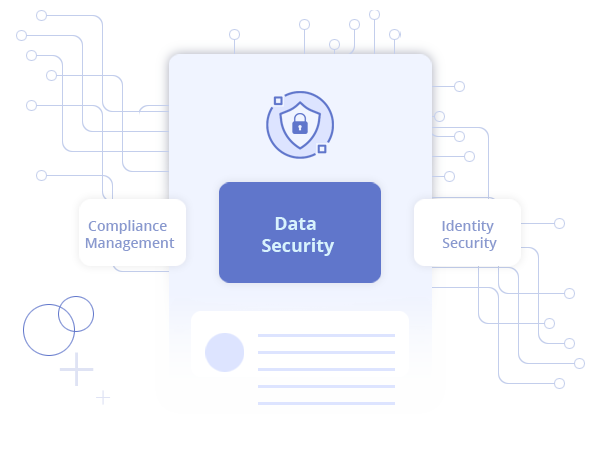
Data is gold. It’s what the attackers want. Lepide allows you to locate your sensitive data, see who has access, understand how it’s being used, and monitors user activity to spot suspicious user behavior.
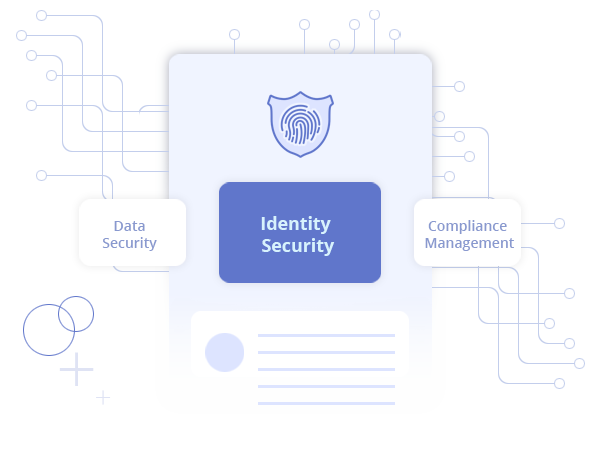
Your privileged users hold the keys to your kingdom. Lepide allows you to understand who your privileged users are, how their permissions are assigned, which users are over-privileged, and when permissions are changing.
Lepide allows you to achieve and maintain compliance through a proven framework of identify, protect, detect, respond, and recover.
Improving your data security posture and preventing threats requires a tried and tested framework. Our framework for success is proven and repeatable.


Lepide is straightforward to use and effective right off the bat. Plus, the level of patience, attentiveness and technical knowhow is far beyond most support and sales teams I’ve seen before.
 Drayke Jackson Security Engineer

We chose Lepide as they were able to offer us threat detection and response, and a way of separating out reporting duties to a web console – all from one platform.
Kevin Gallagher Senior Systems Administrator

Lepide is a perfect fit for our IT Security and Compliance requirements. It helps us cut out a lot of wasted time and money and now we know we can be compliant with industry standards.
Agnel Dsilva Information Technology Administrator

On August 8th, 2023, the National Institute of Standards and Technology (NIST) released the public draft of the NIST Cybersecurity Framework (CSF) version 2.0.
Read more...PIM serves as a critical cybersecurity framework for securing access to an organization’s most sensitive accounts.
Read more...Austin, 10th October – Lepide, a leading provider of data security solutions, is proud to announce the release of Version 23.1 of its comprehensive Lepide Data Security Platform (LDSP).
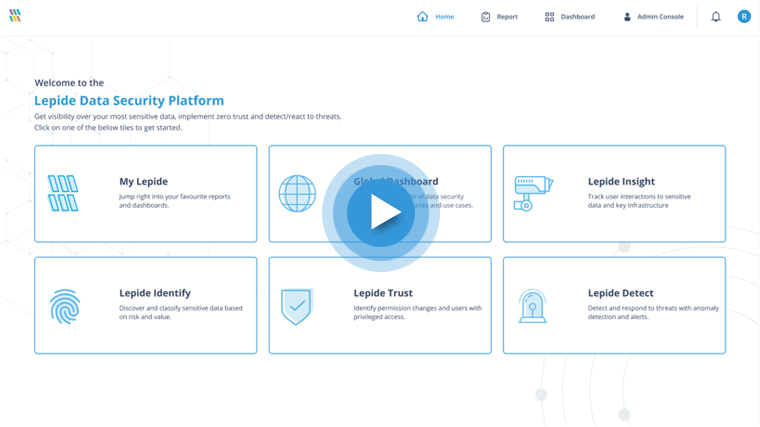
Read more...The quickest way to evaluate Lepide is to check out our interactive demonstration and walk through some of our most critical use cases. Click below to get started.
Launch in-browser demo